
Try it out
Walk through the whole process on a sample shape without signing up, 3D preview included.
Try for freeUpload an image or drawing — we generate the STL and you print it on your own 3D printer. No SCAD, no Inkscape, no compromise on quality.
Walk through the whole process on a sample shape without signing up, 3D preview included.
Try for freeHave a 3D printer? Turn an image into an STL file and print the cutter yourself. The preview is free.
1 credit = 1 cutter. Re-download the file anytime, free.
Open generatorAlready have an account? Sign in
Three steps from image to STL. No software to install.
PNG or JPG. A black-and-white shape on a white background works best, but photos with a clear outline also work.
Set the size (2–50 cm) and the “outline offset” — it widens the shape outward so there is room for the whole motif plus a margin, and rounds off fine details. The preview shows the outline change instantly.
Preview the 3D result before paying. Downloading deducts 1 credit. Re-downloading is free, anytime.
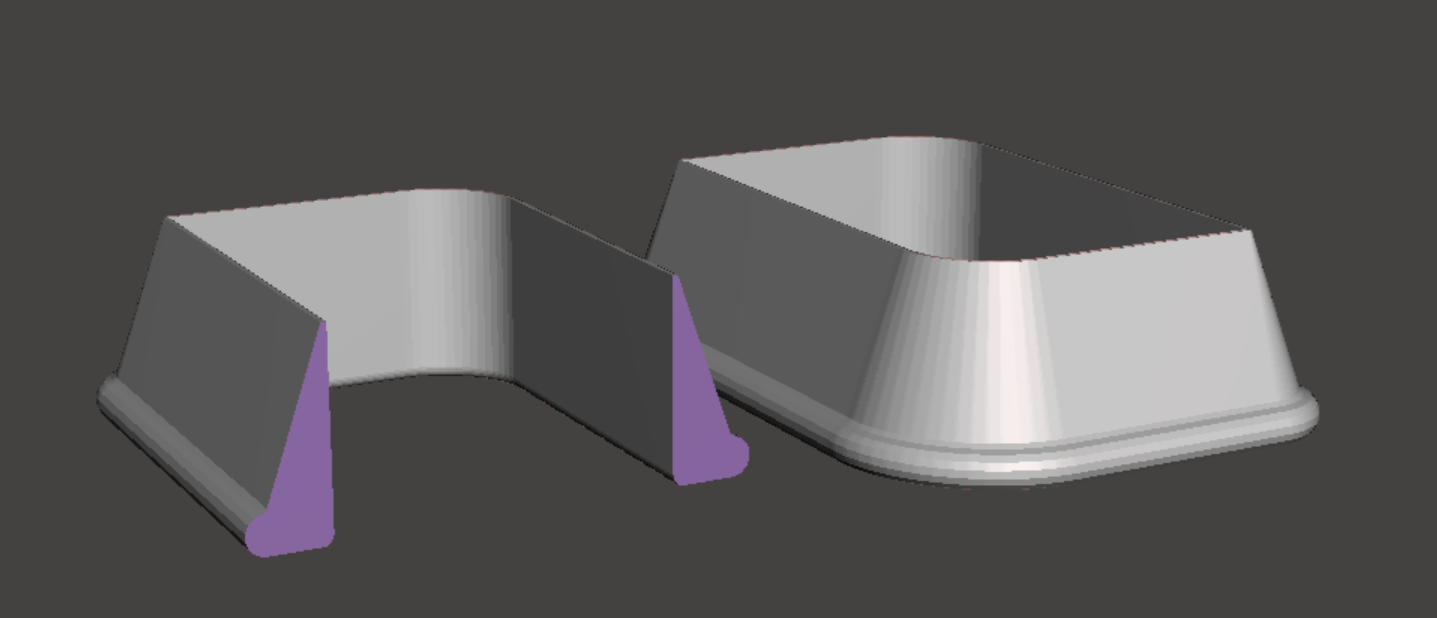
We design and 3D-print our cutters for our own e-shop and for custom orders. Our algorithm generates the cutter cross-section so it holds shape even for large or complex motifs — no internal struts that would compromise a clean cut.
The quality you expect from our production, now for your own 3D printer.
A printer and at least one credit. Both are easy to get — we will help you with the choice.
Do not have one yet? We have written up budget-tiered recommendations based on what we actually use in our own production. No sales tricks.
How to pick a printer →We sell credits as a digital product in our e-shop. You receive a 10-character code by e-mail; type it into your account and the credits are added immediately.
Buy a code in the e-shop →A dark connected shape or a clean drawing on a light background — a silhouette, a colouring-book drawing, a simple marker sketch. The generator extracts one closed outer outline from the image. A detailed guide, including photo tips and AI redrawing, is in the image-preparation article.
One credit = one cutter (one downloaded STL file). You buy credits as codes in our e-shop — a single credit costs 49 CZK (about €2), and larger bundles bring it down to ~30 CZK per credit. Browsing, image uploads and 3D previews are free and unlimited.
No. You see the whole shape in a 3D preview before paying — and you can change the size and outline offset as many times as you like, free. A credit is deducted only when you actually download the STL.
The image itself never reaches us — recognising the motif and building the outline happens entirely in your browser. What is sent to our server is the resulting outline (the shape coordinates), the size and offset you chose, and the name of the uploaded file, which becomes the shape's label in your account history. We keep the outline with your account so you can re-download a cutter you paid for at any time and so we can fulfil a print order if you place one. We do not offer your shapes in our e-shop, do not add them to our own motif range, do not sell them and do not pass them to third parties. We use them only to run the service and for internal diagnostics and improvement of the generator — for instance when you report a faulty shape — and for aggregate statistics.